

Post, record, and reply
Share text, photos, video, a voice recording, or an audio file in the campus feed. Reply to a post in writing or with a voice comment.
 cove.

THE UNIVERSITY STUDENT NETWORK
Cove was designed as a closed social network for students at the same university. The idea was to join with your university email, follow your class, and share everything from voice posts to study tips.
A student project from the LORD Labs archive
LIFE ON CAMPUS
Find the people in your classes and the conversations that matter to you, whether you are catching up after a lecture or preparing for finals.
Share text, photos, video, a voice recording, or an audio file in the campus feed. Reply to a post in writing or with a voice comment.
My Batch brings class announcements and a question board together. Ask about a course, browse earlier questions, and share an answer.
Start a direct conversation with a classmate. Send messages, attachments, or a voice note when it is easier to explain something out loud.
Pick a course and build a timed practice test from the question bank. Enter your grades and credit hours to check your GPA or work toward a target.
The clubs section was designed to help students discover university groups, explore their activities, and find events they want to join.
A student profile brings together the basics, including name, college, year, and a short introduction, alongside the posts they share.
INSIDE THE APP
See the original English interface, with sample student posts, questions, and messages written in Arabic.
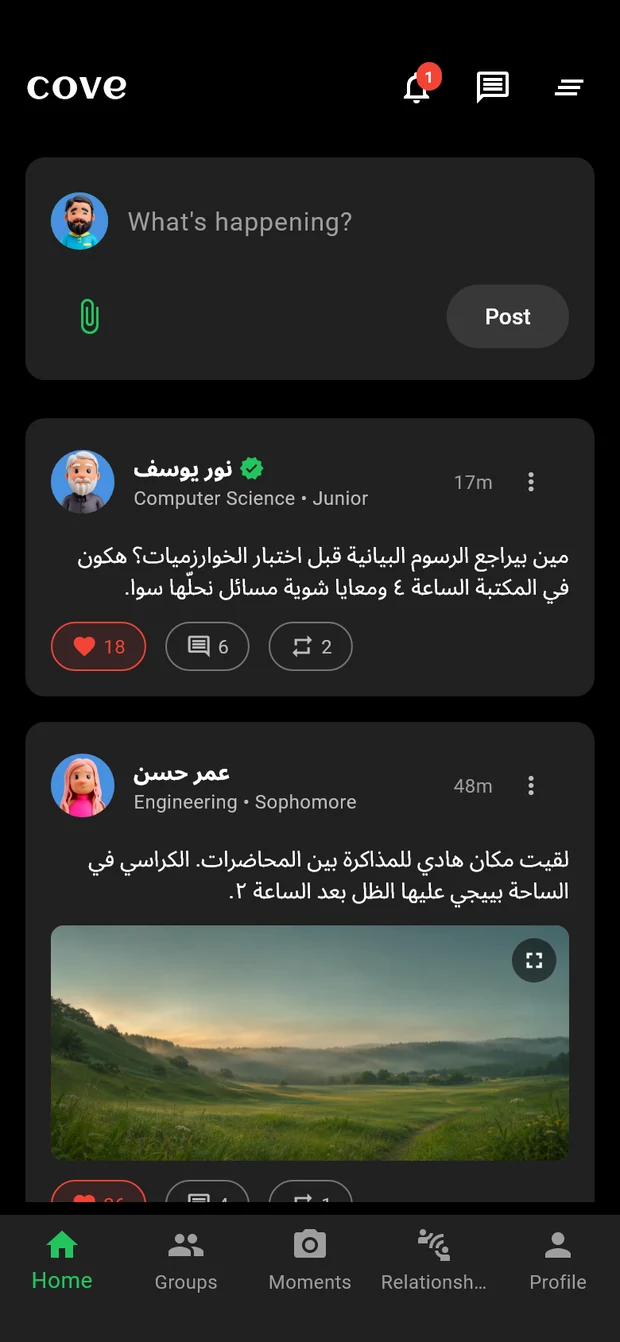
Share what is happening on campus. Add a photo or video, record your voice, or upload an audio file.
Open full screenshot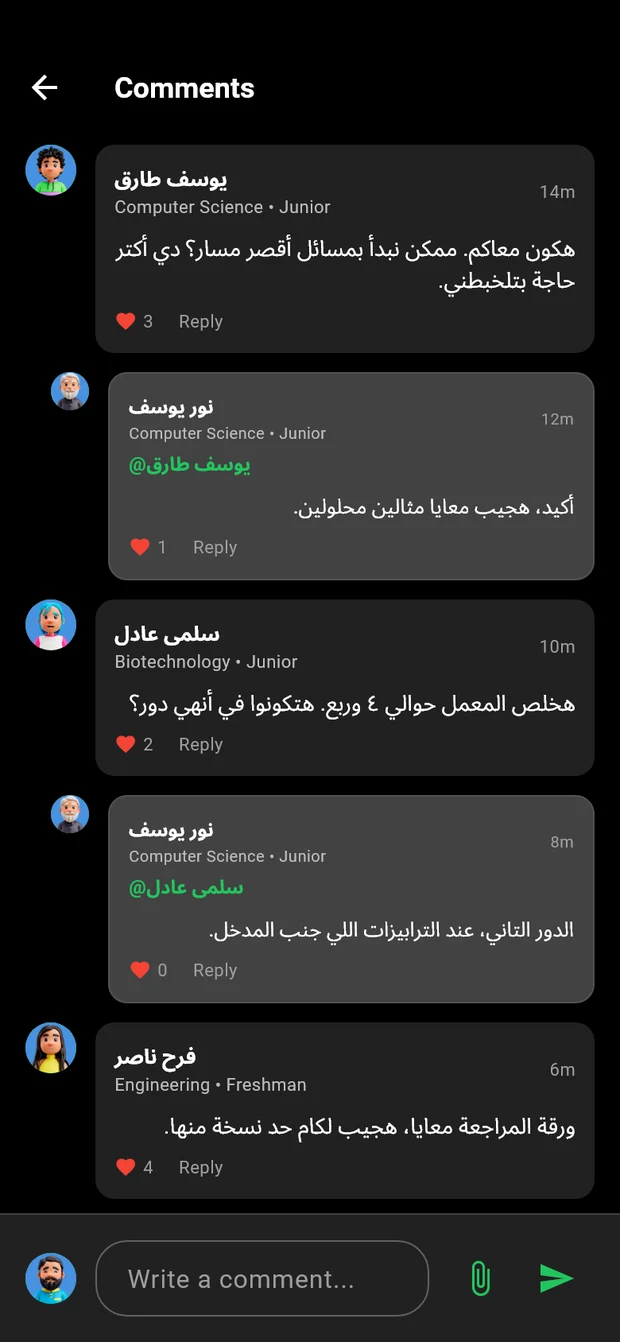
Open the conversation under a post. Record a voice response or leave a written reply.
Open full screenshot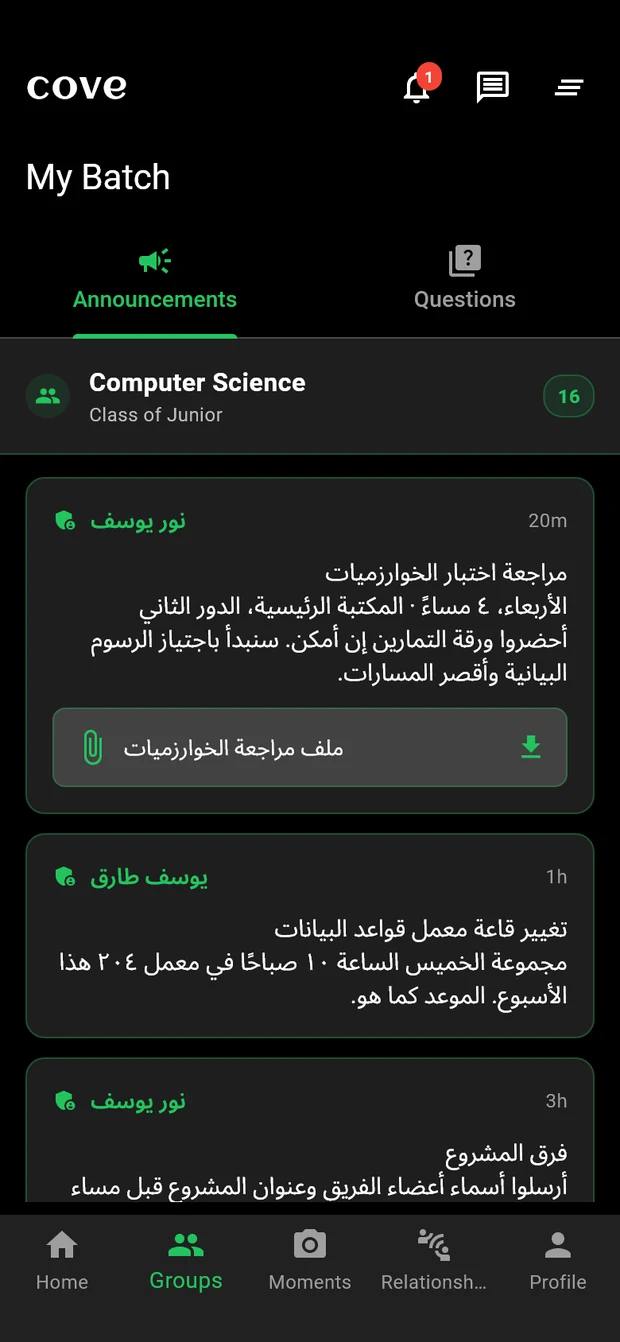
Follow class announcements and open the questions section from your cohort space.
Open full screenshot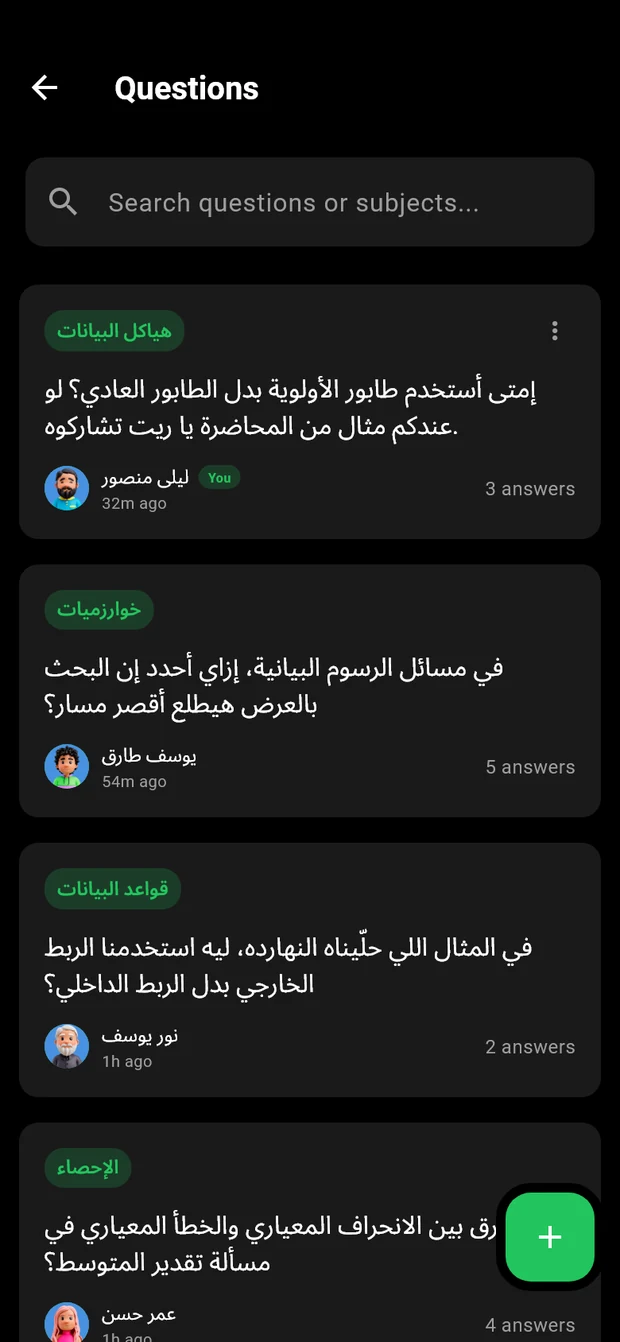
Browse questions by topic, read replies, and ask classmates for help with something you are stuck on.
Open full screenshot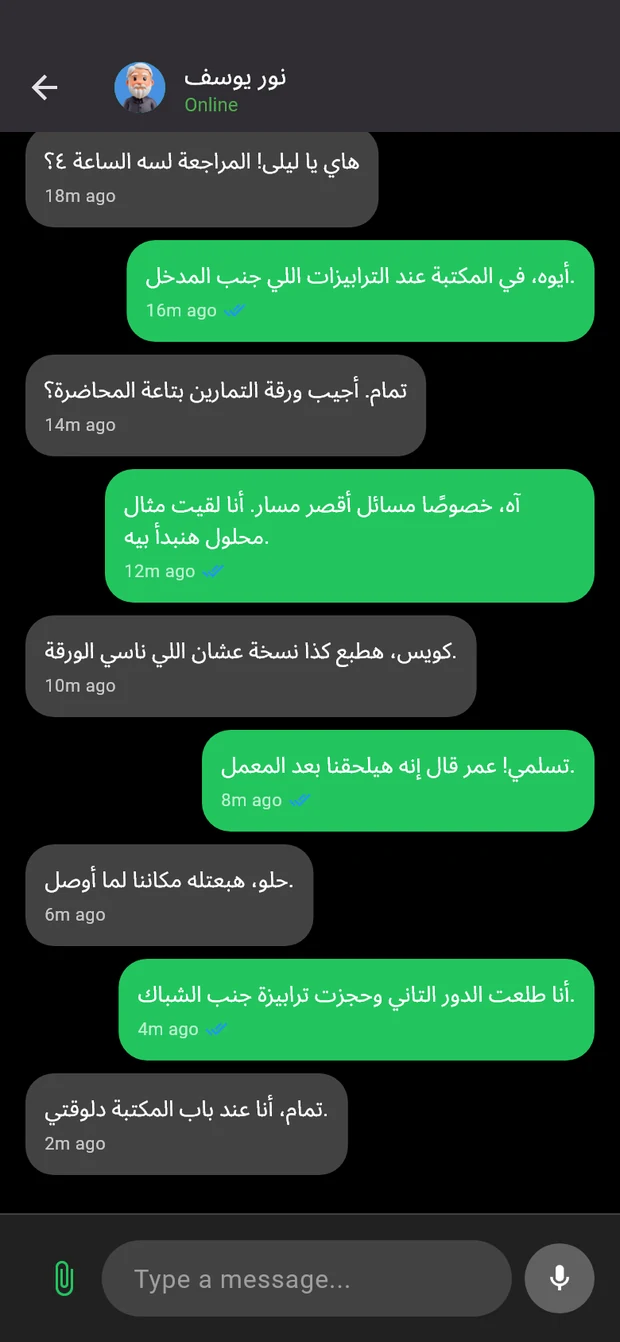
Send messages, media, and voice notes in a private chat.
Open full screenshot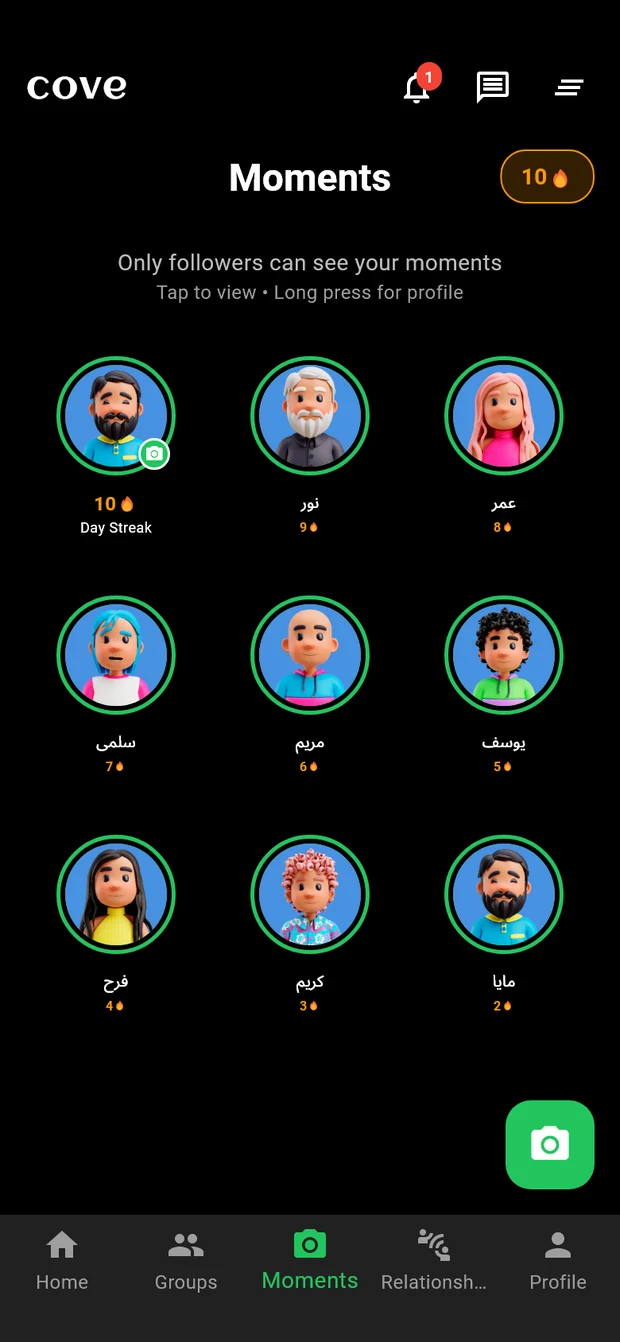
See what classmates are sharing and post a quick glimpse of your day.
Open full screenshot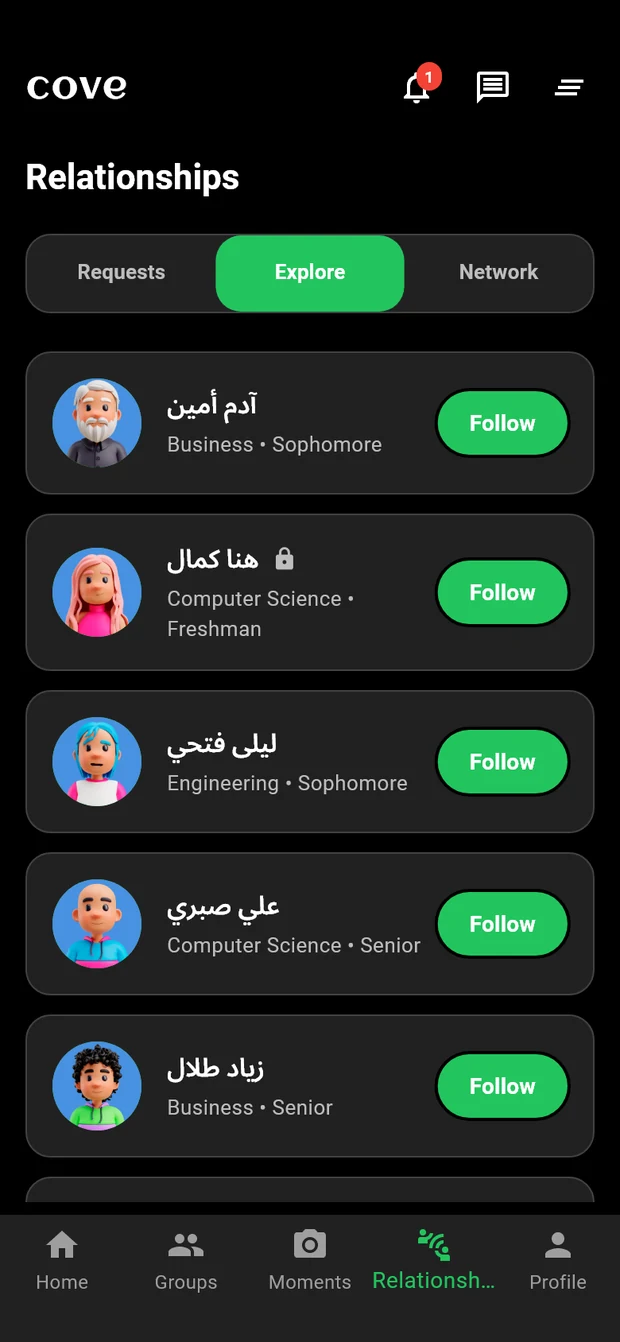
Explore student profiles, follow the people you know, and manage requests when they come in.
Open full screenshot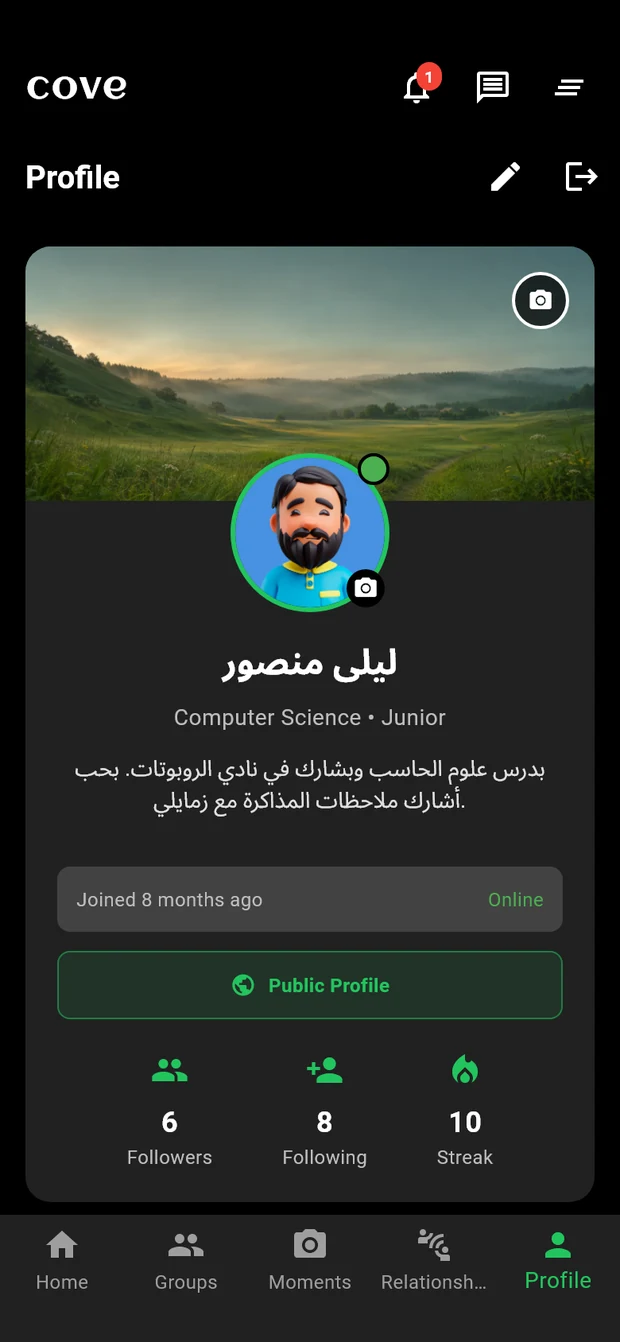
See the basics of a student profile, including their college, year, short bio, and activity.
Open full screenshot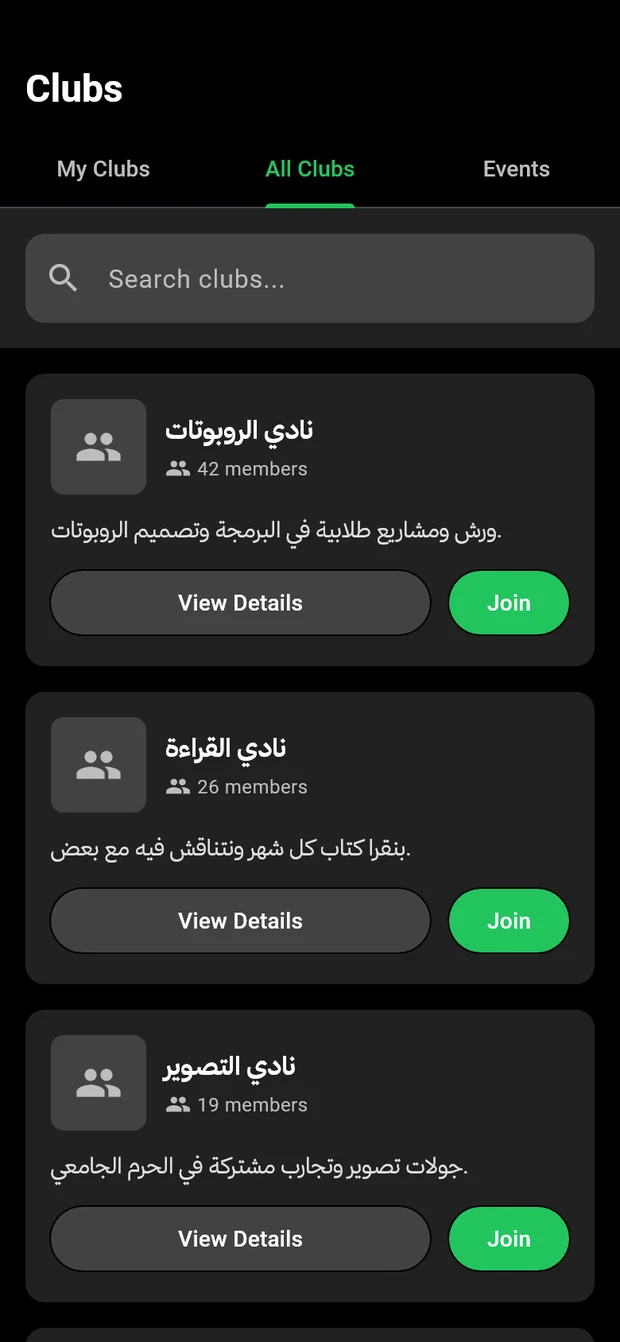
Explore the clubs section and the kinds of campus activities it was built to surface.
Open full screenshot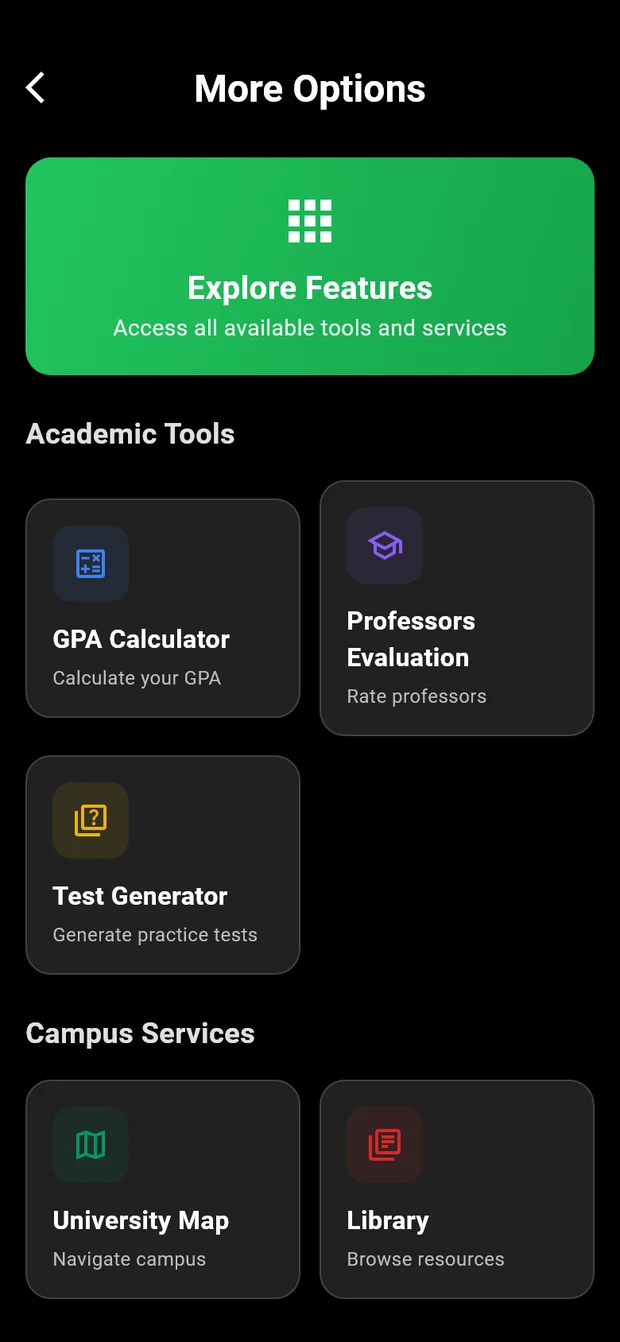
See the practice test generator, GPA calculator, professor reviews, and links to the library and campus map.
Open full screenshot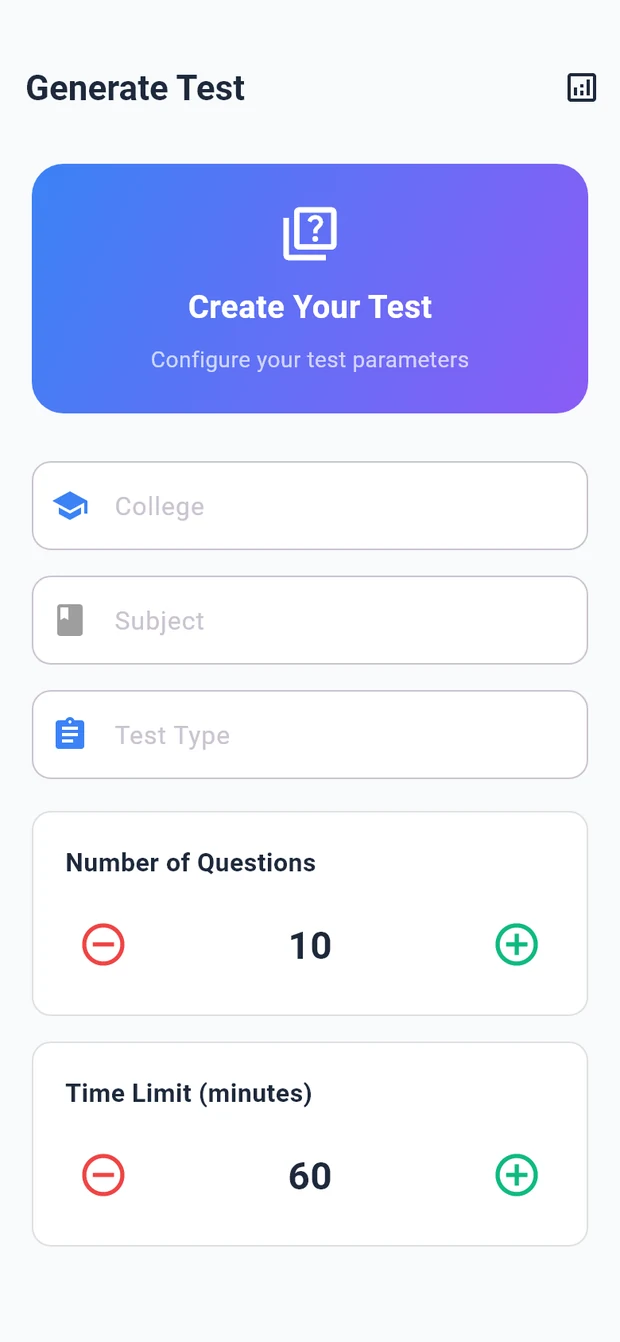
Choose your college, course, and exam type. Set the number of questions and the time you want to practise.
Open full screenshot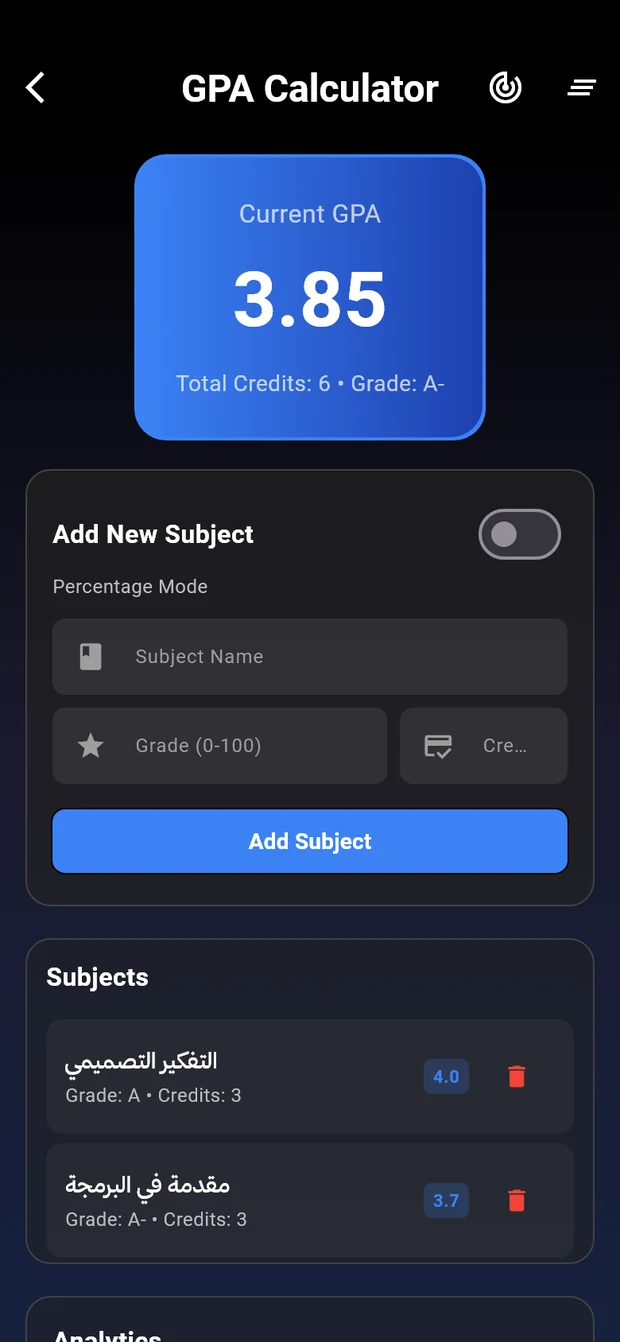
Enter subjects, credit hours, and grades to calculate your current GPA or work out what you need to reach a target.
Open full screenshot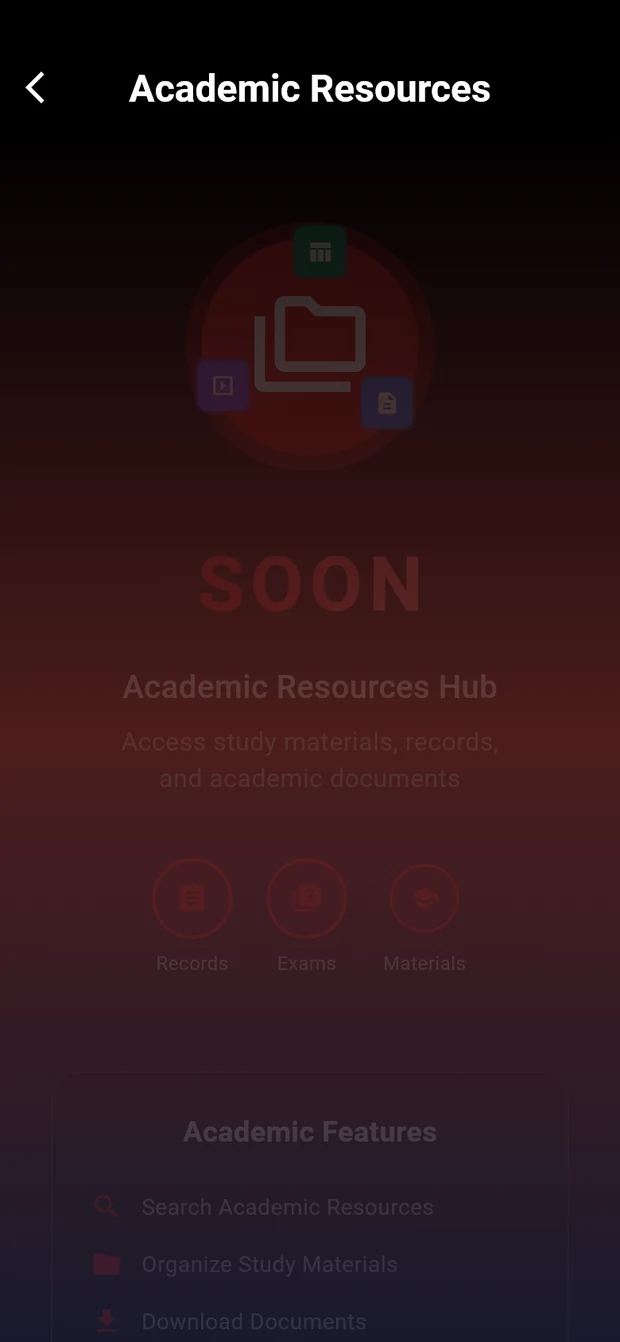
The library screen shows the original plan for lecture notes, course material, recordings, and past exams.
Open full screenshot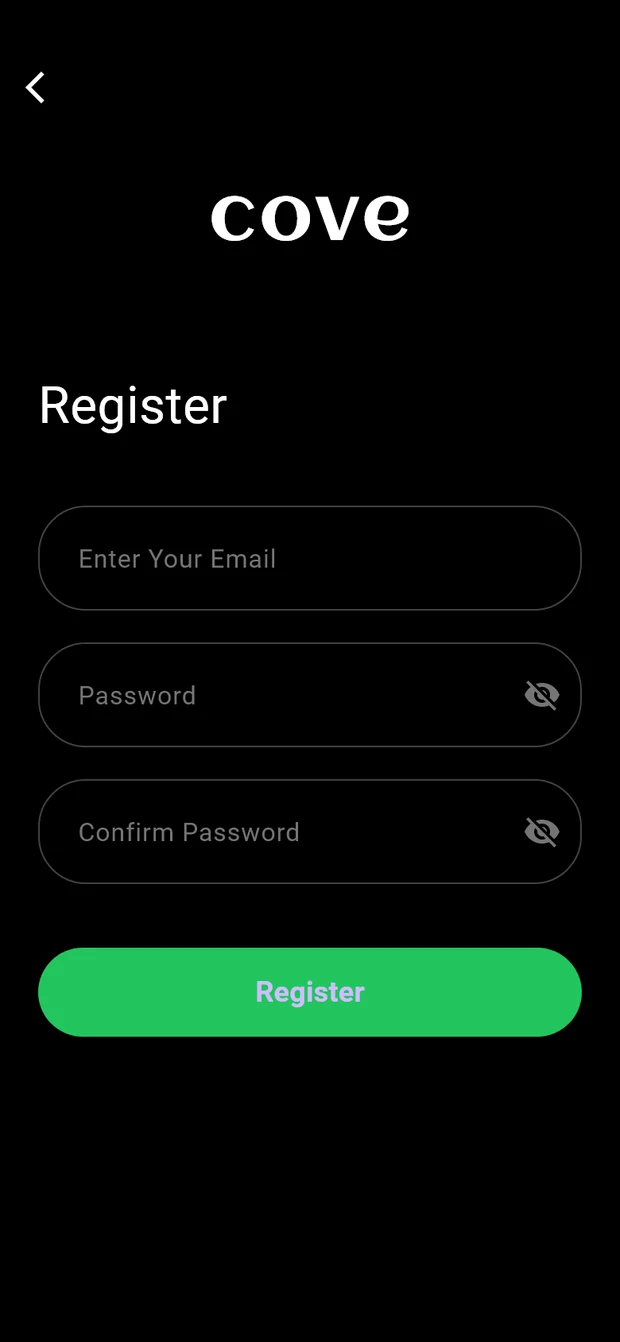
The original sign-up form asks for an email address and password, then uses email verification.
Open full screenshot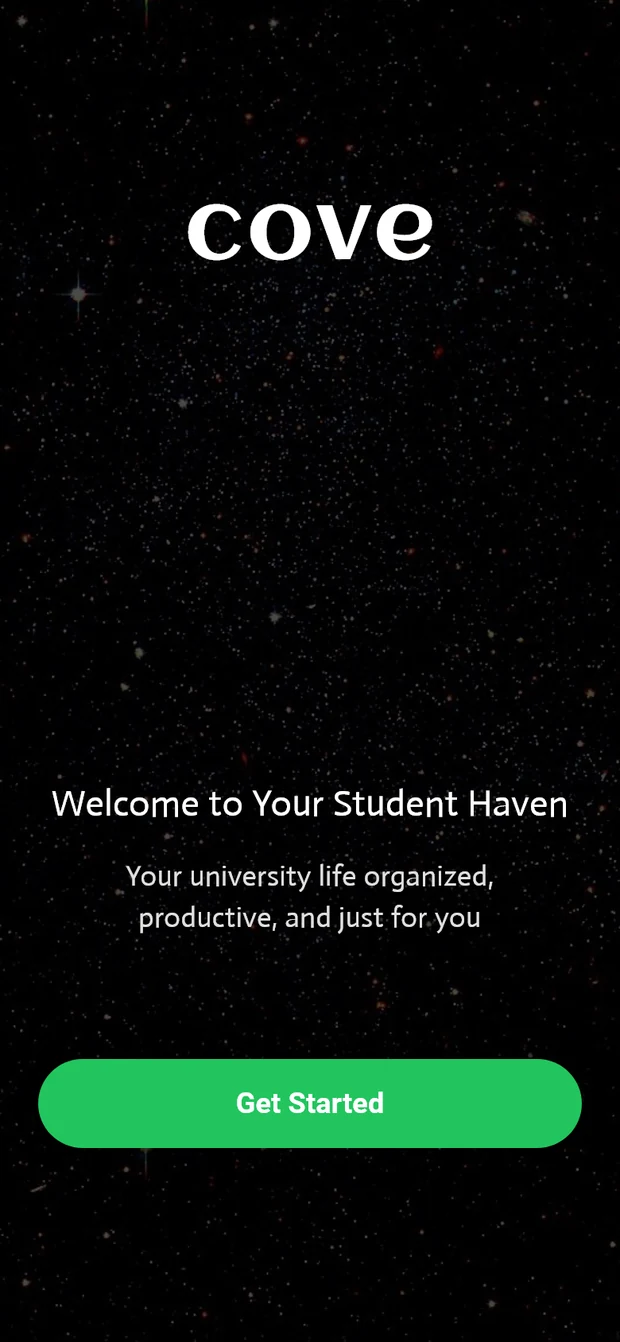
The welcome screen introduces the campus community and gives new students a place to start.
Open full screenshotTHE STORY
Ahmed Shaban started Cove in his second year at university. Class news, study material, and student conversations often lived in different places. Cove was an attempt to give them a home inside the university community. LORD Labs keeps the project available in its archive.
Explore the original source
ANDROID ARCHIVE
Install the archived Android build to revisit Cove as it was built in 2024.
Download for AndroidAPK · Android 7.0+ · Archived build Release details